
Tools & judgment · Essay 119
Apple versus Android: Which Phone Makes More Sense for US Buyers?
The Accidental Salesman Editorial Desk · 14 min read · Published 2 November 2026
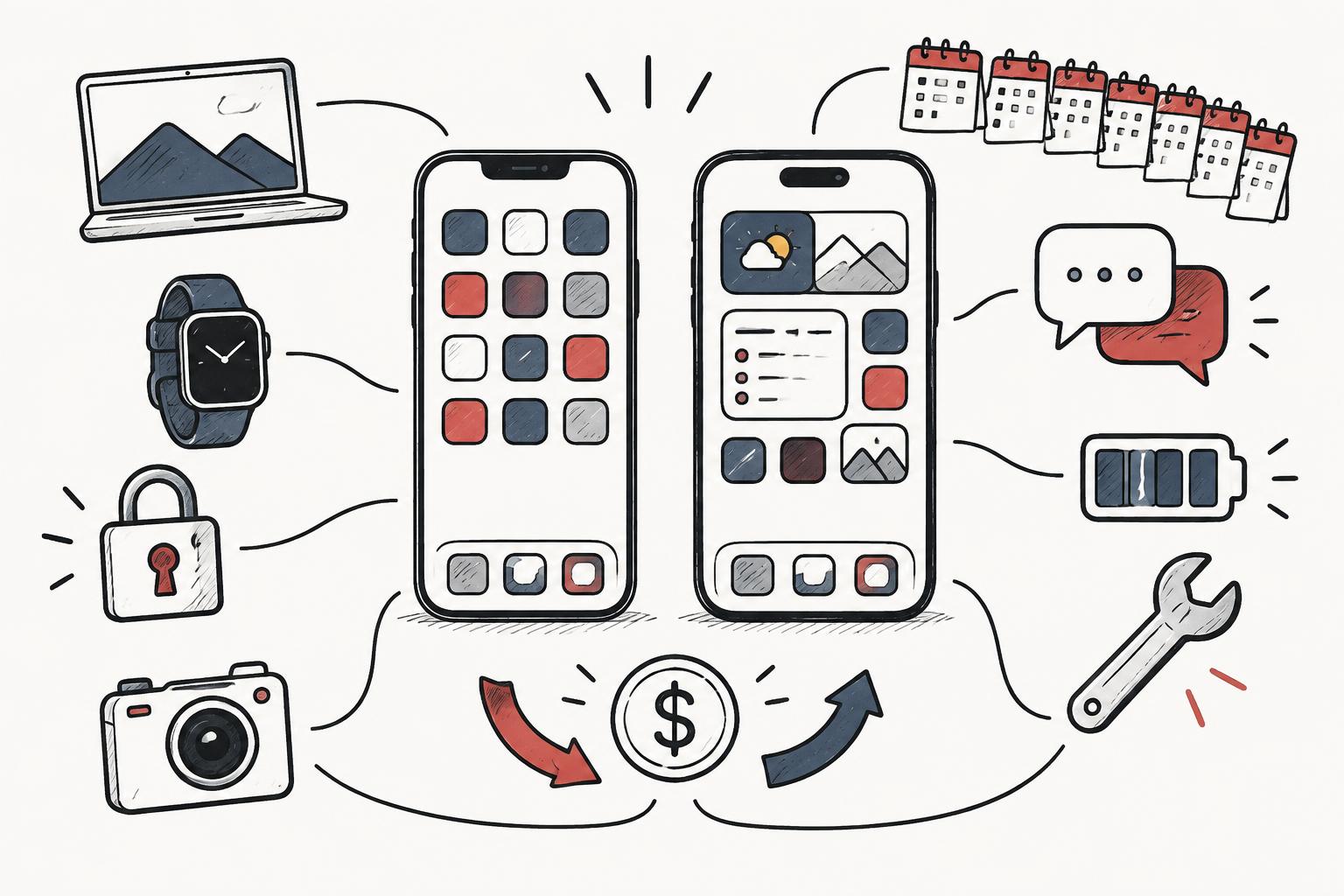
The best reason to buy an iPhone is not that Android is bad. The best reason to buy an Android phone is not that Apple is overpriced. A good decision starts with the jobs your phone does, the devices and people it has to work with, and the cost of owning it for several years. Brand loyalty can be a useful shortcut; it becomes expensive when it replaces those questions.
For a US buyer already using a Mac, an Apple Watch and Apple services, an iPhone is often the lower-friction choice. For someone who wants a broader range of prices, hardware shapes and interface choices, Android deserves a close look. Neither conclusion makes one platform universally better. A supported phone you already own may be the best purchase you do not make.
This comparison is an editorial synthesis published on 2 November 2026, based on linked manufacturer documentation and support policies. It is not a laboratory camera test, a long-term reliability study or a claim that we have personally used every handset. Current documentation is distinguished from historical announcements, and manufacturer claims are not treated as independent performance evidence.
1. Compare an iPhone with a particular Android phone—not an abstraction
Apple is a company; Android is an operating-system platform used by multiple phone makers. The useful comparison is iPhone with Google Pixel, Samsung Galaxy or another specific supported device. A premium iPhone against an entry-level Android handset tells you more about two price brackets than about the platforms. Likewise, an expensive Android flagship cannot represent every inexpensive Android phone.
Android manufacturers make different decisions about interfaces, cameras, update schedules, repair arrangements and bundled applications. A promise made for one Pixel or Galaxy series is not a promise for all Android phones. Even within an iPhone generation, display, camera and connectivity features can differ. Compare the exact US model, storage capacity and seller terms.
Start with a shortlist of two or three devices at a similar complete cost. Add the phone you already own as a fourth candidate. If a new feature is interesting but does not improve a recurring task, its novelty is a discretionary benefit—not an investment that must be dressed up as productivity.
2. Price: the checkout total is only the beginning
Android gives buyers more manufacturers and price tiers to choose from. That does not mean every Android phone is cheap or good value. Premium cameras, larger screens and folding designs can command substantial prices on either side of a buying comparison. An older or refurbished iPhone can also compete with a new midrange Android device; condition and remaining support then become central.
Compare the same storage capacity and ownership period. Include tax, activation charges, cases, necessary accessories, insurance, cloud storage and any subscription you actually intend to keep. Count carrier credits only if you expect to meet every condition for the full credit period. A low device payment tied to a more expensive service plan may produce the higher total bill.
Separate buying from leasing. At the end of a lease, returning the device and owning it are different outcomes. Similarly, a trade-in value is conditional on model, condition and offer terms; future resale is uncertain. This guide does not publish an unverified live dollar price or guarantee that one platform depreciates less. Get comparable written US checkout quotes before deciding.
3. Ecosystem: convenience is real, but so is the cost of leaving
An ecosystem advantage is worth paying for when you use it. Moving a task between a phone and a computer, finding a misplaced device, or keeping familiar services in sync can save friction. It is less valuable when most of your day happens in browser-based tools or applications that already run well on both platforms.
Apple Watch compatibility deserves special attention. Apple publishes iPhone and software requirements for each watch generation; do not assume an existing Apple Watch can become an ordinary Android companion [R95]. A change of phone can therefore create a second hardware purchase. Check your exact watch rather than treating all wearables as interchangeable.
Make an inventory before switching: watch, earbuds, shared photo libraries, family subscriptions, purchased applications, home devices and work software. Some will continue working with fewer conveniences; others may need replacement or a different setup. Keeping an iPhone because it fits a system you genuinely use is rational. Keeping it because you have never checked the alternatives is a different decision.
4. Customization and everyday usability
Android is worth shortlisting if you care about choosing a manufacturer interface, a launcher, widgets, defaults or particular multitasking workflows. The degree of control still depends on the device, software version and employer policy. A work-managed phone may restrict features that are available on a personal device.
Avoid the old caricature that iPhone permits no customization. The relevant question is whether the exact version lets you arrange information and choose applications in the way you need. More settings are not automatically better: they can be valuable control for one person and maintenance overhead for another.
Try ordinary work rather than a sales demonstration: silence unwanted notifications, find a downloaded document, change text size, manage permissions and share a photo. Check reachability with one hand and whether important controls are legible. If the phone will be used by someone else in the household, their comfort matters more than your preferred feature list.
5. Software updates: remaining support matters more than reputation
A phone is a long-lived account and payment device. Ask when security support ends, which operating-system upgrades are promised, and when the clock began. “Seven years of updates” should never silently become seven years from the day you buy a discounted older handset.
Google states that Pixel 8 and later phones receive seven years of OS and security updates from first availability on the US Google Store [R38]. This is a published commitment for the listed models, not evidence that every Android manufacturer offers the same term or that all new features will reach every supported device.
Apple publishes device compatibility and security releases, which are useful evidence of what is supported now [R96]. Do not turn a history of updates into an invented guaranteed future end date. Check the exact iPhone and current OS, then distinguish ongoing patches from eligibility for a new major release or a hardware-dependent AI feature.
An update promise is not a battery or hardware warranty. It also does not establish how quickly a particular carrier build receives every release. For a phone you intend to keep, remaining support, battery replacement and adequate storage form a single ownership decision.
6. Privacy and security: look at the data path
“Apple is private” and “Android is insecure” are not useful security assessments. Both the device and the services attached to it matter. Consider account protection, app permissions, backups, advertising settings, location sharing and how quickly security updates reach the exact model. A well-maintained device with strong account protection can be a better choice than a neglected expensive one.
Local processing, cloud processing and third-party processing are different arrangements. Apple describes on-device processing and Private Cloud Compute, and states that data sent to Private Cloud Compute is used to fulfill the request rather than stored or made accessible to Apple [R102]. These are Apple’s representations, not an independent audit conducted for this article. Third-party integrations need separate terms. End-to-end encryption for one service does not mean every backup, diagnostic record or connected application has the same protection.
Use a strong screen lock, protect account recovery, review application permissions and keep software current. For confidential customer or employer material, follow the applicable information policy before uploading it to an assistant, transcription tool or photo service. No brand logo makes an otherwise prohibited disclosure safe.
7. Messaging: RCS improves compatibility, but encryption is conditional
Messaging can matter more than a benchmark in a US household or team. Ask what the people you contact actually use: iMessage, Google Messages, a cross-platform application or an employer-approved tool. Group membership, photo quality, delivery indicators and the experience of switching should be checked with those people—not inferred from bubble color.
Apple says ordinary RCS requires iOS 18 or later and a cellular plan from a carrier supporting RCS on iPhone [R90]. RCS adds capabilities such as higher-resolution media and typing indicators, but it is carrier-provided. Working RCS alone does not prove end-to-end encryption.
Apple’s current documentation describes end-to-end encrypted RCS as a beta starting with iOS 26.5, rolling out with supported carriers. All participants must have carriers supporting encryption; Apple says an encrypted conversation shows “Encrypted” with a lock icon [R89]. Do not repeat the outdated blanket claim that iPhone RCS is never encrypted, or the opposite claim that every iPhone-to-Android RCS chat is now protected.
Google’s documentation describes automatic encryption when the participants use Google Messages with RCS enabled [R91]. That condition does not establish encryption for every cross-platform conversation. Check the actual conversation indicator and the current provider requirements. For sensitive exchanges, use a channel whose protection you can verify rather than relying on the fact that an image arrived clearly.
8. AI assistants: buy useful tasks, not a future promise
AI features can change faster than the hardware you finance. Compare capabilities available on the precise device, account, language and region today. A feature announcement, a staged rollout and general availability are not interchangeable. An assistant that summarizes text does not necessarily perform an action in the application you use.
Apple Intelligence availability and compatible hardware are documented separately from ordinary iOS compatibility [R92]. Gemini features likewise depend on the application, account, settings and applicable service terms [R93]. Its Privacy Hub, updated 26 October 2026, distinguishes activity controls, connected applications, temporary chats and retention; disabling one setting should not be interpreted as a blanket no-retention promise. Do not assume that a phone eligible for software updates qualifies for every AI function, or that a bundled premium trial means permanent free access.
Test one recurring, non-sensitive task: summarize a public document, draft a message or explain a setting. Then inspect omissions, invented details, correction effort and where the data went. Speed is useful only after accuracy and permission are acceptable. Paying for an AI-branded phone solely because the assistant might become transformative later is paying for uncertainty.
9. Cameras, battery and speed require model-level evidence
A camera comparison should start with the photographs you take. Moving children, pets indoors, distant subjects, night scenes and video introduce different challenges. A megapixel count or a chip name cannot settle autofocus behavior, processing preferences, sound quality or how reliably a usable shot is captured.
Manufacturer specifications can establish lens availability and supported recording modes; they are not independent image-quality rankings. Look for disclosed-method comparisons of the exact devices and inspect full-size examples. We do not award either platform a camera or gaming victory without that evidence.
Battery capacity alone cannot establish endurance. Screen use, brightness, cellular signal, background applications and workload all matter. Manufacturer video-playback tests are not necessarily comparable with another company’s browsing or mixed-use tests. Check matched independent testing, then consider your day and access to charging.
For ordinary messaging, maps and calls, the best benchmark number may change very little. Heavy gaming, long video recording and demanding editing warrant different tests. Heat, sustained performance and remaining storage can matter more than a short peak result. Do not replace a phone that still completes your tasks merely because a successor wins a chart.
10. Repairs, used phones and the true cost of keeping one
Get battery and screen service information for each exact candidate before purchase. Apple provides an iPhone service route and estimate tool; Samsung separately publishes US cracked-screen repair information [R94, R36]. Prices, coverage, location and repair scope vary. Neither page is evidence that one platform has a universal lower repair cost.
Compare warranty coverage with accidental-damage protection rather than treating them as the same product. Check premiums, service fees, exclusions, repair locations and replacement conditions. Include the inconvenience of losing access to your main authentication device, and arrange account recovery before a failure.
For used or refurbished phones, verify battery condition, seller return rights, account locks, carrier compatibility and outstanding financing. A cosmetic grade does not prove a healthy battery or authorized repair history. Check whether the device has enough remaining security support to justify the discount.
Resale should be treated as a possible recovery of cost, not a guaranteed payout. The model, storage, condition and market at sale time matter. A reliable supported device kept longer can be economical even if another model commands a better percentage of its original price on a particular resale marketplace.
11. US connectivity and switching: plan the transfer before checkout
Confirm the exact regional model against your carrier’s compatibility checker. “Unlocked” does not guarantee every radio feature, Wi-Fi calling configuration or service entitlement. Check SIM and eSIM requirements, international use and any carrier unlock conditions. An imported version can introduce warranty and provisioning problems even when it has a familiar product name.
Moving contacts and photographs is not the whole migration. Banking access, authenticator apps, passkeys, work profiles, subscriptions and chat history need separate checks. Keep the old device until essential accounts work on the new one. Do not erase your only recovery method because the transfer progress bar has finished.
Apple’s Move to iOS guidance and Android’s switching guidance explain supported transfer routes and their conditions [R97, R98]. Available items can differ between cable and wireless transfers or by application. Read the current requirements, back up important material and confirm the result inside the applications you rely on.
When leaving iPhone, check the messaging deregistration guidance included in the switching process [R98]. For any direction, test a call, a normal text, a group conversation, mobile data and an essential login before trading in the old device. These are proposed personal checks, not results of a migration trial we have conducted.
12. November 2026 context: use the current lineup without chasing it
Apple’s current US comparison page includes iPhone Duo, iPhone 18 Pro and Pro Max, as well as iPhone 17 and earlier models [R99]. Google’s current Pixel update documentation includes the Pixel 11 family and Pixel 10a alongside earlier supported devices [R38]. Samsung’s US purchase page includes Galaxy S26-family choices [R100]. These are concrete current reference points, not a claim that every listed model is in stock or that every comparison entry remains sold directly.
Older generations can remain useful candidates. Evaluate their remaining support and complete purchase cost rather than assuming the newest name wins. Samsung’s Galaxy A56 page, for example, states six years of OS and security updates [R101], whereas Google states seven for its listed Pixel 8-and-later devices. Those different commitments illustrate why “Android updates” is too broad a category for a buying decision.
A storefront price, a temporary unlocked discount and a trade-in headline are different figures. This article intentionally leaves fluctuating checkout amounts to the live sellers instead of presenting a partial catalogue as a permanent price table. Use the linked official pages to identify candidates, then obtain same-storage quotes and model-specific terms. A changing release calendar does not invalidate the ownership questions.
13. Which buyer fits which choice?
Choose iPhone when its integration with devices and services you already use removes meaningful friction, your essential applications work well, and the complete price fits your budget. Familiarity, family support and a compatible Apple Watch can be legitimate reasons. They are not proof that an Android buyer has made a worse decision.
Choose a particular Android phone when its hardware, price tier or interface better serves your daily work, and its documented support and repair arrangements fit your intended ownership period. Compare Pixel and Galaxy separately; do not borrow a feature or support promise from one to justify buying the other.
For a budget-focused buyer, prioritize remaining support, battery health and total cost over the prestige of a flagship name. For a photographer, investigate matched camera evidence. For a business user, confirm employer support and information controls. For a family member who needs help, choose the interface and local assistance they can actually use.
The verdict is deliberately conditional: buy iPhone for the integration you use; buy Android for the particular choices you value; keep your existing supported phone when neither solves a real problem. A persuasive recommendation explains who it fits, what it costs and what would change the decision. The loudest platform argument usually does none of those things.
Put it to work
A practical next step
Shortlist one iPhone and two specific US Android models at comparable complete cost. Record remaining update support, carrier compatibility, battery and screen repair routes, subscriptions and any watch replacement. Try messaging, account recovery, a typical photograph and one daily work task. Keep your current supported phone in the comparison. These are proposed buying checks, not completed product tests.
Proposed practice, not a completed experiment. Illustrations are not client testimony.
Sources & limits
Encrypted RCS is described as beta from iOS 26.5, with carrier-dependent rollout and all participants requiring supporting carriers. Not proof that a particular cross-platform conversation is encrypted; check its indicator.
Ordinary RCS requirements and carrier dependence, not universal availability or encryption. A compatible OS and working RCS alone do not establish end-to-end protection.
Documented Google Messages participant requirements, not a blanket promise for every iPhone-to-Android exchange, SMS fallback or backup.
Manufacturer eligibility and setup information. Availability depends on hardware, software, region, language and feature rollout; not independent AI accuracy testing or a promise that every supported iPhone has every function.
Provider data-handling policy and user controls, not an independent audit. Activity controls, temporary chats, connected applications and retention have distinct conditions; no universal zero-retention promise is inferred.
Official service and estimate route. Model-specific dollar costs were not verified; inspection, tax, shipping and authorized-provider fees can affect the final amount.
Model-specific iPhone, iOS and watchOS requirements, not a promise that an Apple Watch pairs with Android or that every wearable has equivalent interoperability.
Evidence of current and historical supported releases, not a guaranteed future support end date, universal feature eligibility or an independent security ranking.
Official transfer routes with setup, device and software conditions. Not a guarantee that every application, purchase, credential or proprietary dataset transfers.
Platform switching guidance, including transfer and messaging considerations. Supported items and cable/wireless routes differ; account recovery and application-specific migration still need verification.
Manufacturer catalogue and specifications, not independent performance testing, proof of current stock or a verified checkout price. Comparison entries include older models that may not remain directly sold.
Current vendor purchase page used to establish model relevance. Promotions and selector amounts are not permanent prices, verified launch MSRP or comparative value evidence; no S26 update term is inferred.
Vendor states six years of OS and security updates for this model. Not a seven-year promise for all Galaxy devices, seven years from resale, or evidence of hardware longevity.
Apple’s on-device and Private Cloud Compute data-handling representations, not an independent audit conducted for this article. Do not extend them to third-party integrations or all Apple services.
Official service information. Suggested prices vary by model, repair location and applicable fees; no specific repair quote or turnaround guarantee is asserted here.
Official support commitment: seven years for the listed Pixel 8 and later phones, including Pixel 9 Pro Fold, counted from first US Google Store availability. Not seven years from a later purchase or a promise of hardware longevity.
Editorial synthesis published 2 November 2026. Research is linked above; examples and the practical exercise are editorial applications, not reported outcomes.